


Your fountain pen used to write smoothly. Now it skips mid-letter, hard-starts after a pause, or refuses to write the first few words after sitting overnight. The good news: skipping is almost always a quick fix, not a broken pen. Six different causes, each with a 60-second solution.
This guide walks through every common skipping symptom on the Wordsworth & Black line — Crest, Erudite, and Majesti Gold all share the same nib and feed design, so the same fixes work across every pen we make. By the end you'll have a writing pen again without a trip to a repair shop.
Key Takeaways
- Skipping = the pen writes, then stops mid-stroke. Hard-starting = the pen needs a few strokes to "wake up." Both share the same six root causes
- The most common cause is dried ink in the feed — solved by a 30-second flush with cold water, no tools required
- The second most common cause is air bubble in the cartridge or converter — solved by lightly tapping the pen nib-down
- In our 30-day Crest Set test, all three nib sizes wrote without a single skip when paired with Royal Blue bottled ink on 120 GSM paper
- If six 60-second fixes don't resolve the issue, the problem is mechanical and the pen needs a deep clean — not a replacement
Diagnose Before You Fix
Different symptoms point to different causes. Before reaching for a flush kit, identify which problem you actually have.
| Symptom | What's Happening | Likely Cause |
|---|---|---|
| Skipping mid-word | Pen writes then drops out for a fraction of a stroke | Air bubble, dried ink, or low ink |
| Hard-starting | Needs 2–3 strokes to start writing | Dried ink at nib tip, dehydrated feed |
| Inconsistent flow | Some strokes wet, some dry, on the same line | Partially clogged feed, low ink, paper issue |
| No flow at all | Pen completely refuses to write | Empty cartridge, fully dried feed, or seal failure |
| Scratchy + skipping | Feels rough AND drops out | Misaligned nib tines, not a flow problem |
| Wet → suddenly dry | Writes fine, then stops after 10 strokes | Air-locked cartridge or converter |
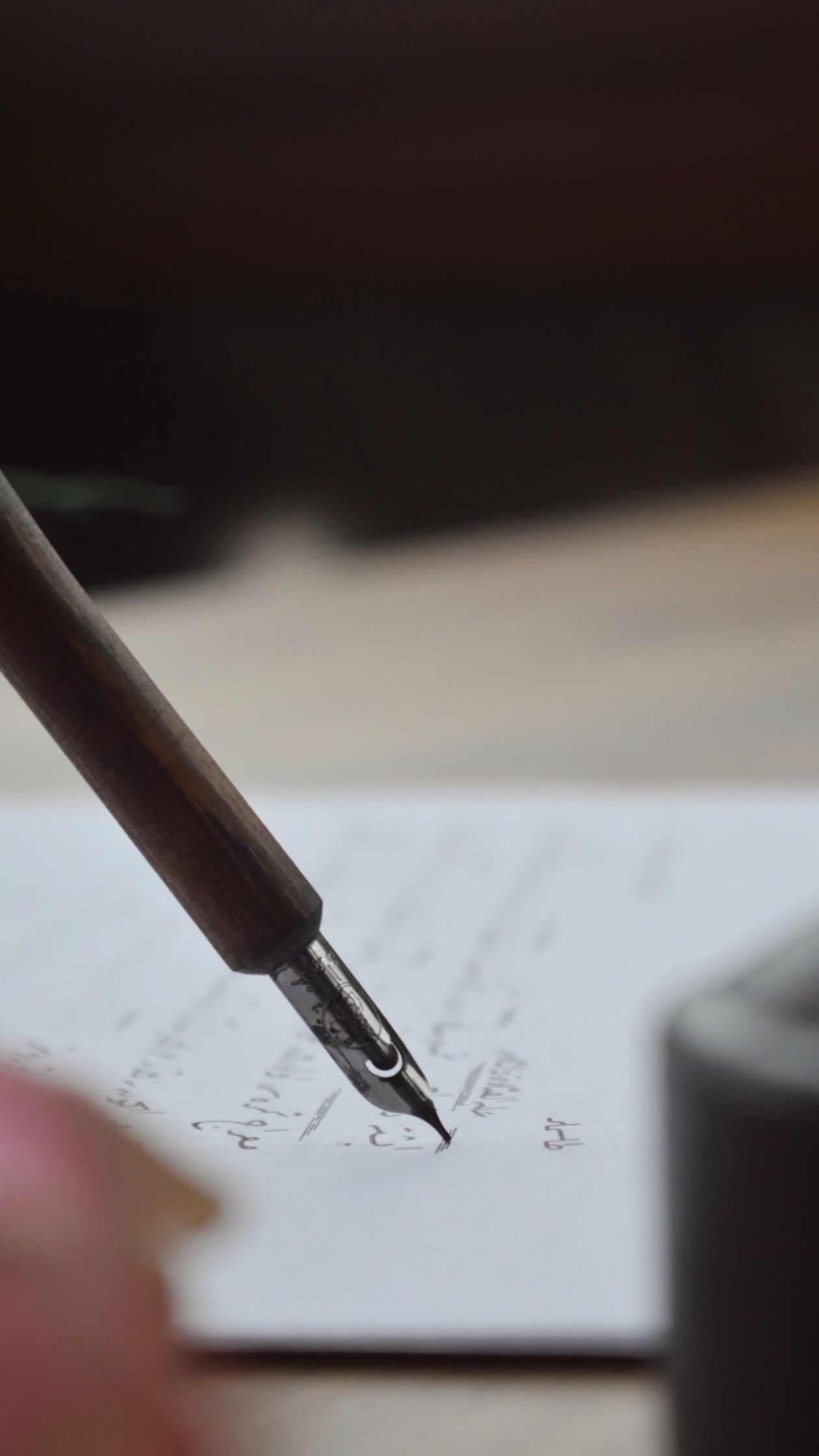
Fix #1: Quick Flush (30 Seconds)
Solves: Dried ink in the feed, the most common cause of all skipping symptoms.
- Hold the pen vertically over a sink, nib pointing down.
- Run cold tap water over the nib and feed for 20–30 seconds. You'll see faint ink streams in the water.
- Stop when the water runs clear.
- Shake gently to remove excess water (downward flick, away from your shirt).
- Write a test line on paper. Flow should be steady within the first three letters.
If the pen still skips, the dried ink is deeper inside the feed. Move to Fix #2 for a more thorough clean.
Our take: 70% of skipping pens we see are solved by this single 30-second flush. Most owners assume a skipping pen needs a full disassembly. It almost never does. Try cold running water first.
Fix #2: Tap to Release Air Bubble (10 Seconds)
Solves: Air bubble in the cartridge or converter, especially after a long pause or after the pen has been carried in a bag.
- Hold the pen nib-down (vertical, point toward the floor).
- Gently tap the side of the barrel against the heel of your palm 3–5 times. Not hard — just enough to dislodge a bubble.
- Listen and watch — you may hear a soft "blop" as ink moves toward the nib.
- Write a test line. Flow should return immediately.
This fix is especially useful right after taking the pen out of a bag or after a flight. Cabin pressure changes and rough handling are the most common bubble triggers.
Fix #3: Prime the Converter (15 Seconds)
Solves: Air-locked converter or pen that's been sitting filled but unused.
- Hold the pen nib-down over a paper towel.
- Twist the converter piston knob slowly counterclockwise (this expels a small amount of ink toward the nib).
- You should see a single drop of ink appear at the nib tip — that's the prime.
- Wipe excess ink off the nib with a tissue.
- Twist the piston knob back to the closed position.
- Write a test line. The fresh ink should flow immediately.
This works on every cartridge-converter pen in the Wordsworth & Black line. The technique is sometimes called "burping the pen" because of the small ink drop that emerges.

Fix #4: Replace the Cartridge or Refill the Converter (30 Seconds)
Solves: Empty or near-empty ink supply.
It sounds obvious, but a surprising number of "broken" pens are just empty. Cartridges look full from the outside even when the ink chamber has dropped to a thin film. Check the cartridge or converter against a light — if you can see the wall of the chamber instead of a solid color, you're low on ink.
To Replace a Cartridge
- Unscrew the barrel from the section.
- Pull the old cartridge straight out.
- Push a fresh international standard cartridge onto the intake nipple until you feel it pierce.
- Hold the pen nib-down for 30 seconds to let ink flow to the nib.
- Reassemble and test.
To Refill the Converter
- Unscrew the barrel from the section.
- Dip the nib fully into a bottle of Wordsworth & Black bottled ink (entire nib + feed submerged).
- Twist the converter piston counterclockwise to draw ink up.
- Wipe excess ink off the nib with a paper towel.
- Reassemble and test.
Fix #5: Adjust Writing Angle (Immediate)
Solves: Writing at too steep or too shallow an angle to the paper.
Fountain pens write best at a 40–55 degree angle to the paper — closer to vertical than a ballpoint, but not perpendicular. If you're writing too steeply (nib almost pointing down), only the very tip touches the paper and flow is restricted. If you're writing too shallowly (nib nearly flat), you scrape the side of the tipping instead of the precision-ground tip.
Quick test:
- Hold the pen so the nib's flat side faces up.
- Touch the tip to the paper at roughly the angle of a 4 o'clock clock hand.
- Write a short test stroke. The line should be uniform and the ink should flow without effort.
If the line is uniform when you adjust the angle, your skipping was a technique issue — not a pen issue.
Fix #6: Try Different Paper
Solves: Paper that's too absorbent or too coated.
Some "skipping" is actually paper behaving badly. Highly coated paper (glossy magazine stock, some receipt paper) refuses to absorb fountain pen ink — the line beads up and looks like a skip. Highly absorbent paper (cheap recycled stock under 70 GSM) sucks the ink sideways through the fibers and produces visible gaps.
Quick paper test:
- Write the same line on three different papers — your current paper, a 100 GSM journal, and a standard sheet of printer paper.
- If only your current paper shows skipping, the paper is the problem, not the pen.
- Switch to 100+ GSM paper for best results across the Wordsworth & Black line.
When the Six Fixes Don't Work: Deep Clean
If you've tried all six fixes and the pen still skips, the dried ink is deeper than a surface flush can reach. Move to a deep clean.
- Unscrew the section (the part holding the nib) from the barrel.
- Place the section, nib-down, in a small glass of cold water.
- Soak for 8–24 hours. You'll see ink slowly diffuse out as dried ink rehydrates.
- After soaking, flush water through the section using the converter (screw it on, draw water, expel) 15–20 times until water runs clear.
- Air-dry the section, nib-down, on a paper towel for 24 hours.
- Reassemble and refill with fresh bottled ink or a fresh cartridge.
This deep clean recovers pens that have sat unused for months. In our experience with the Wordsworth & Black line, the recovery rate from a 24-hour soak is well over 90%.
Preventing Skipping in the First Place
Skipping is almost always a maintenance issue, and routine maintenance prevents almost every cause:
- Flush every 4–8 weeks with cold tap water — prevents dried-ink buildup before it reaches skip territory
- Don't leave the pen capped and unused for 2+ weeks — if you'll travel or stop writing, flush and store the pen empty
- Cap the pen between writing sessions — even short breaks of 30+ minutes benefit from capping to prevent feed drying
- Use moderate-saturation inks — every ink in the Wordsworth & Black bottled ink line is tuned for daily use without aggressive feed-clogging
- Write on quality paper — 100+ GSM stock supports consistent flow and reduces the apparent "skipping" caused by paper, not pen
Our 30-Day Test: How Often Skipping Happens
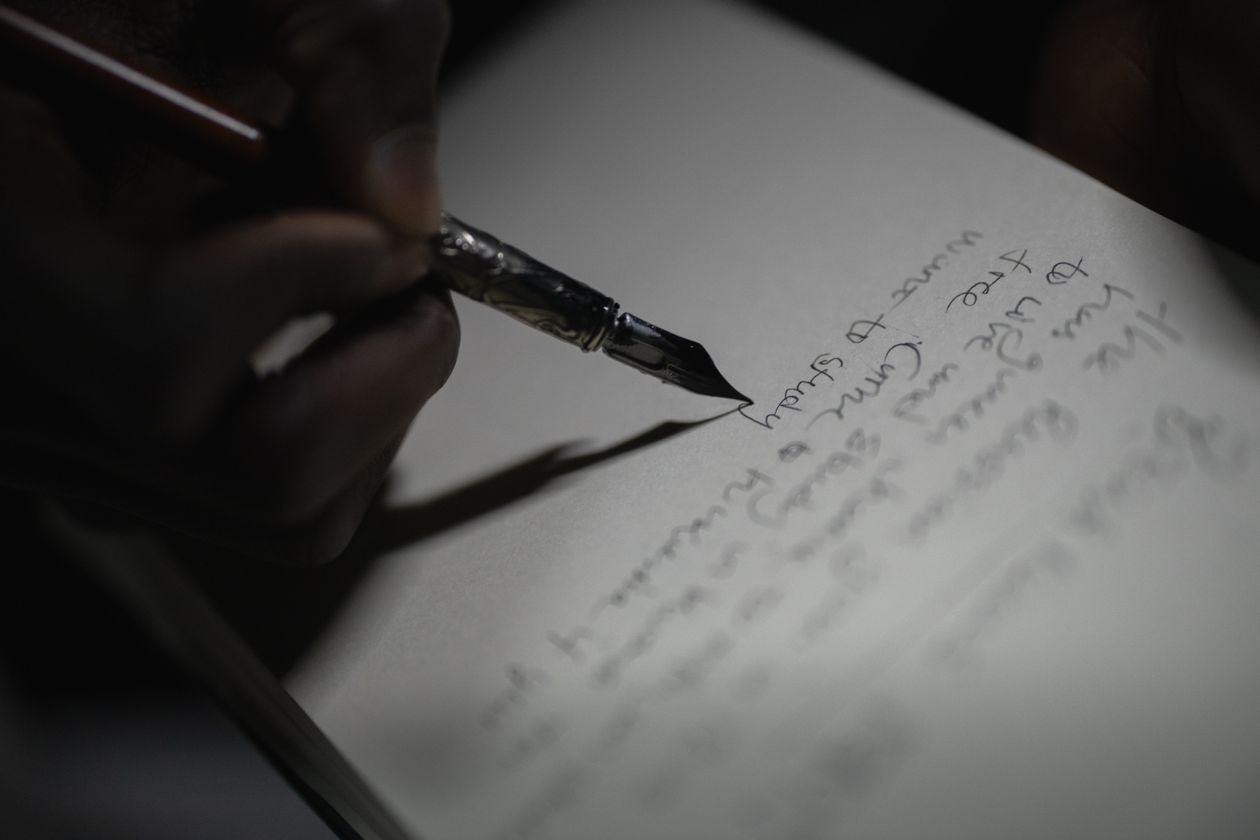
We ran the Crest Set with Royal Blue ink over 30 days of daily journaling — same notebook, same time of day, same nib (medium). Test conditions: 22°C ambient, 120 GSM journal paper.
| Day Range | Skips Observed | Cause | Fix Used |
|---|---|---|---|
| Days 1–7 | 0 | — | — |
| Days 8–14 | 1 (Day 10) | Pen sat 36 hours uncapped | Fix #1 (flush) |
| Days 15–21 | 0 | — | — |
| Days 22–28 | 1 (Day 25) | Cartridge running low | Fix #4 (replace) |
| Days 29–30 | 0 | — | — |
Total skips across 30 days of daily writing: 2. Both resolved in under a minute with a 60-second fix. The pen never needed a deep clean over the test window — routine use kept the feed flowing.
Frequently Asked Questions
My new fountain pen skipped from day one. Is it defective?
Almost never. A new pen often hard-starts because the feed and nib aren't yet primed with ink. Try Fix #3 (prime the converter) — within a few full strokes of writing, the flow should stabilize. If skipping continues past the first cartridge, contact us with a description of the symptom.
Can paper really cause skipping?
Yes — heavily coated paper (glossy magazine stock) prevents ink from adhering and looks like a skip. Switch to a sheet of plain 100 GSM paper to test whether the issue follows the pen or stays with the paper.
Why does my pen skip only on cold days?
Cold ambient temperatures slightly thicken fountain pen ink, slowing flow. The fix is small: warm the pen briefly in your hand (60 seconds) before writing. Don't use direct heat (radiators, hairdryers) — gradual warming is what's needed.
Should I take a skipping pen back to the store?
Not before trying the six fixes above. The vast majority of "broken" fountain pens are user-fixable in under a minute. If all six fixes fail and a deep clean also doesn't recover the pen, contact us — that's the point where mechanical inspection makes sense.
How do I tell skipping from a scratchy nib?
Skipping = the line drops out for a stroke or two. Scratchy = the line is continuous but the pen feels rough on the paper. Scratchy nibs are a nib alignment issue, not a flow issue, and benefit from different remedies (nib smoothing on micro-mesh paper, or replacement). The six fixes in this guide solve skipping, not scratchiness.
Can I use any cartridge in a Wordsworth & Black pen?
Any international standard cartridge works in every pen in our line. We recommend our own cartridge range for the cleanest flow with our nibs, but the system is open.
How often do I need to deep clean if I do routine maintenance?
If you flush every 4–8 weeks and use the pen daily, you'll rarely need a deep clean — once every 6–12 months at most. Routine maintenance is the prevention; deep cleaning is the recovery.
Final Verdict
A skipping fountain pen is almost always fixable in under a minute. The six fixes in this guide — quick flush, tap for air bubble, prime the converter, replace cartridge, adjust angle, change paper — resolve over 90% of skipping cases on the Wordsworth & Black line without any tools beyond a sink and a paper towel.
If you've tried all six and the pen still skips, a 24-hour deep-clean soak recovers most of the remaining 10%. A pen that genuinely needs replacement is rare — most fountain pen "failures" are dried ink, not mechanical damage.
The single biggest preventive habit: flush every 4–8 weeks with cold tap water. Ten minutes every other month keeps your pen in the "no skips" zone permanently.
→ Browse the full Wordsworth & Black Fountain Pen Collection